Save now. Come back ready.
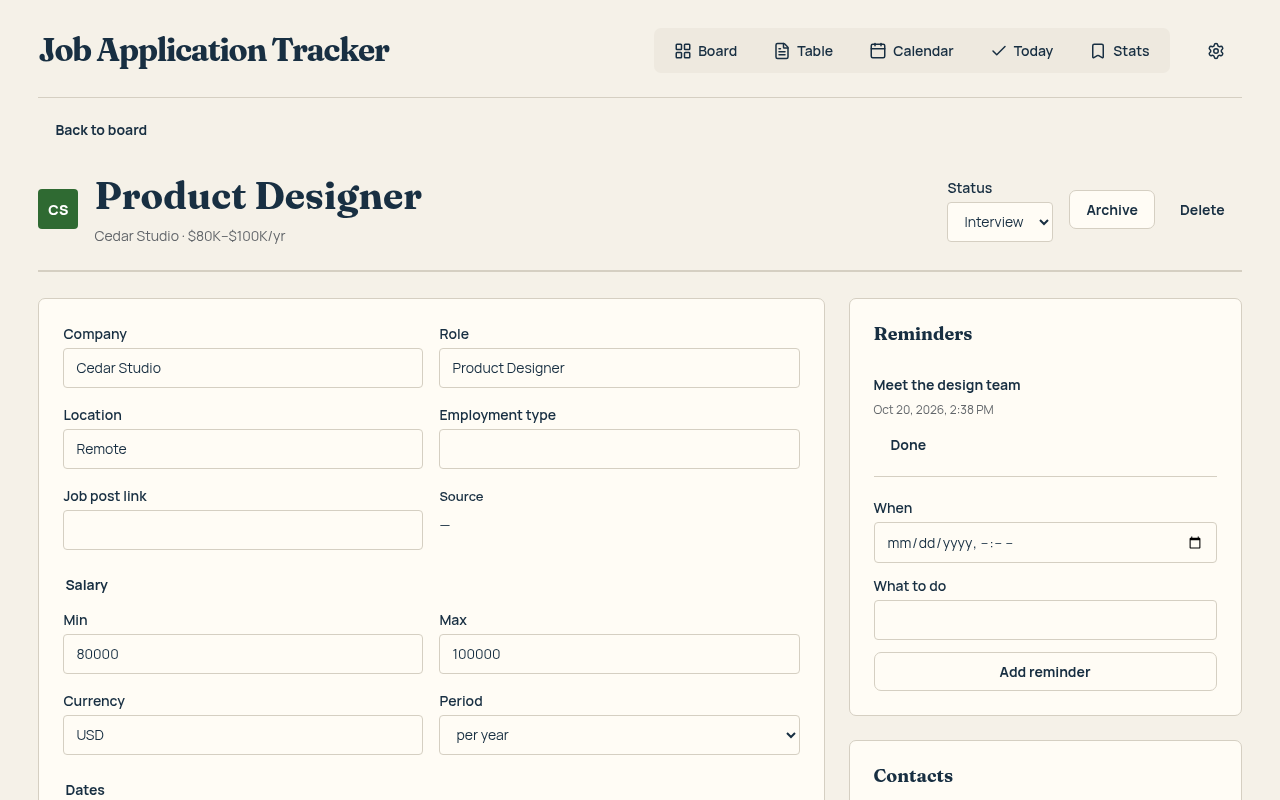
Open a vacancy, click the extension, and save its details. Add your notes so you remember what caught your eye.
 Job Application Tracker
A Chrome extension that saves a job in one click, keeps every application in order and tailors your resume to each job — without inventing anything.
For Chrome · Start with 25 active applications · No account needed for local use
Open a vacancy, click the extension, and save its details. Add your notes so you remember what caught your eye.
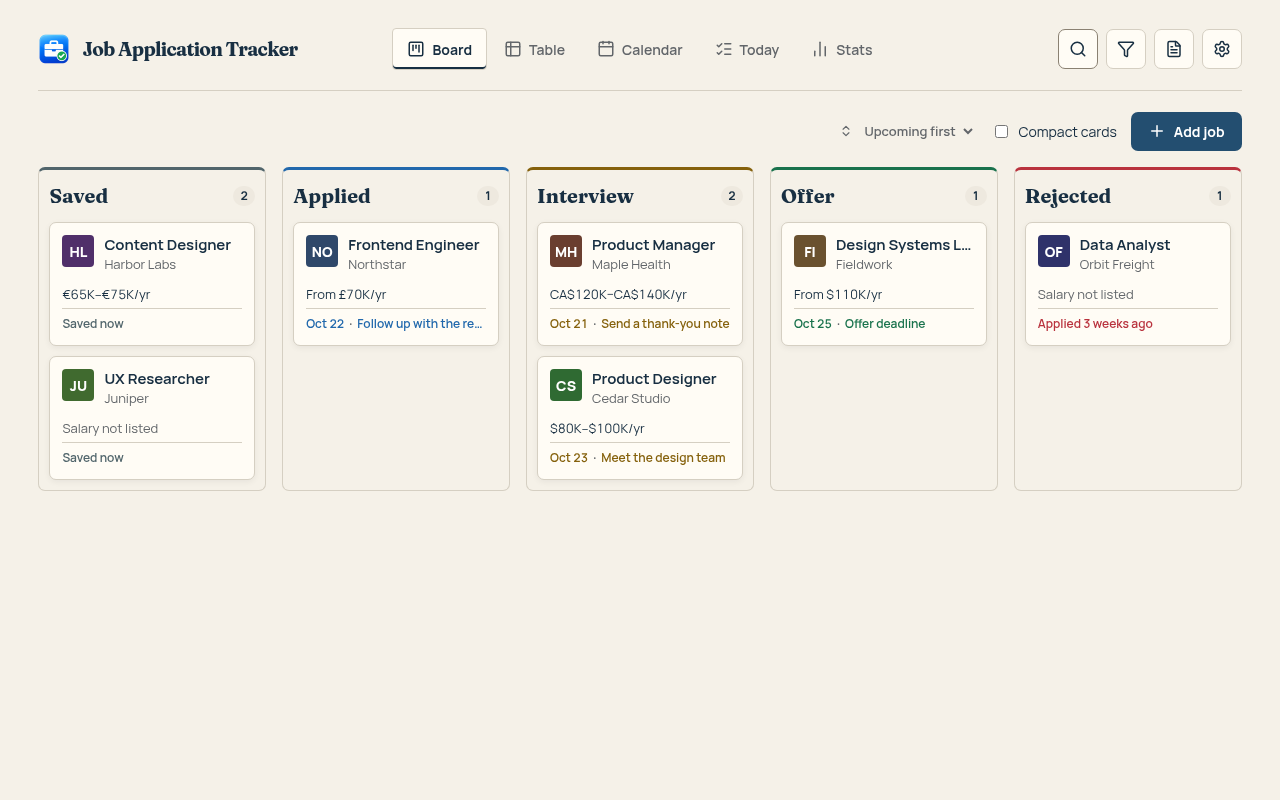
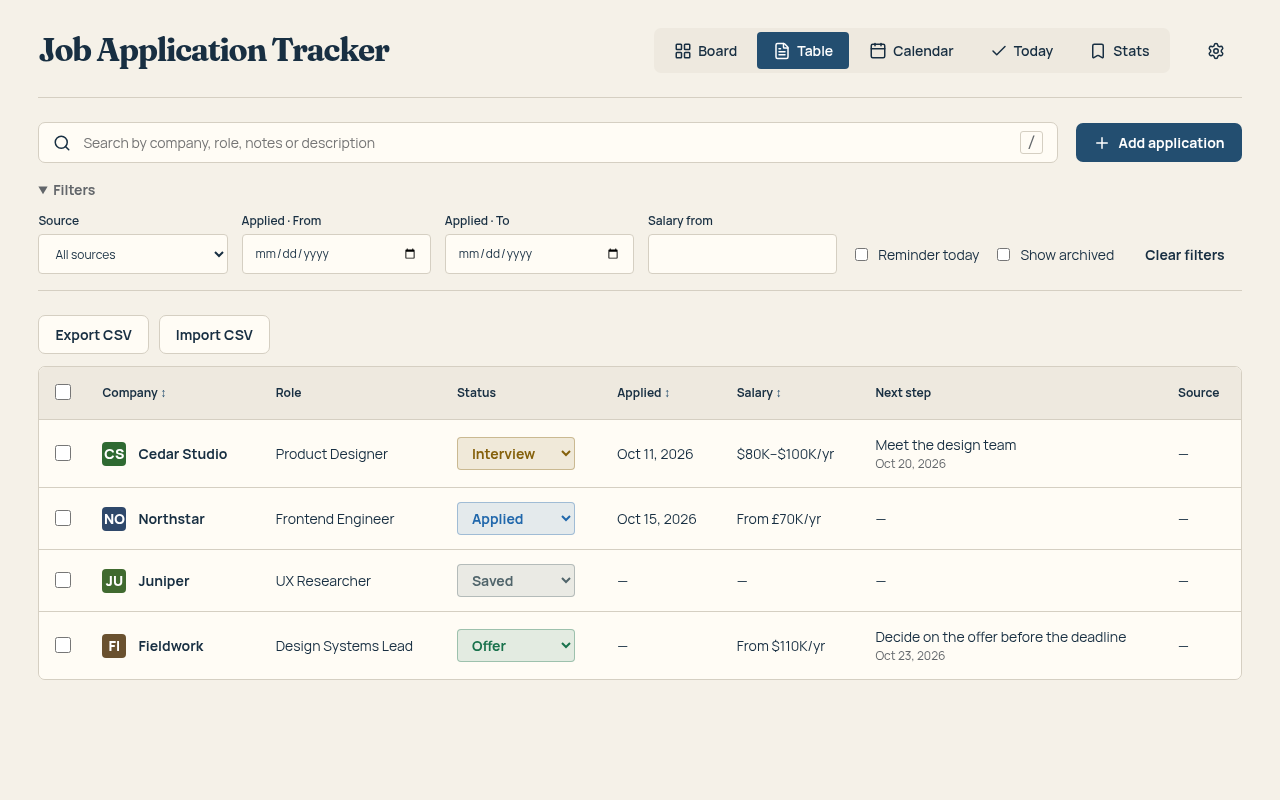
Move cards as things progress. Switch to a table when you want the details side by side, or a calendar to see what is coming.
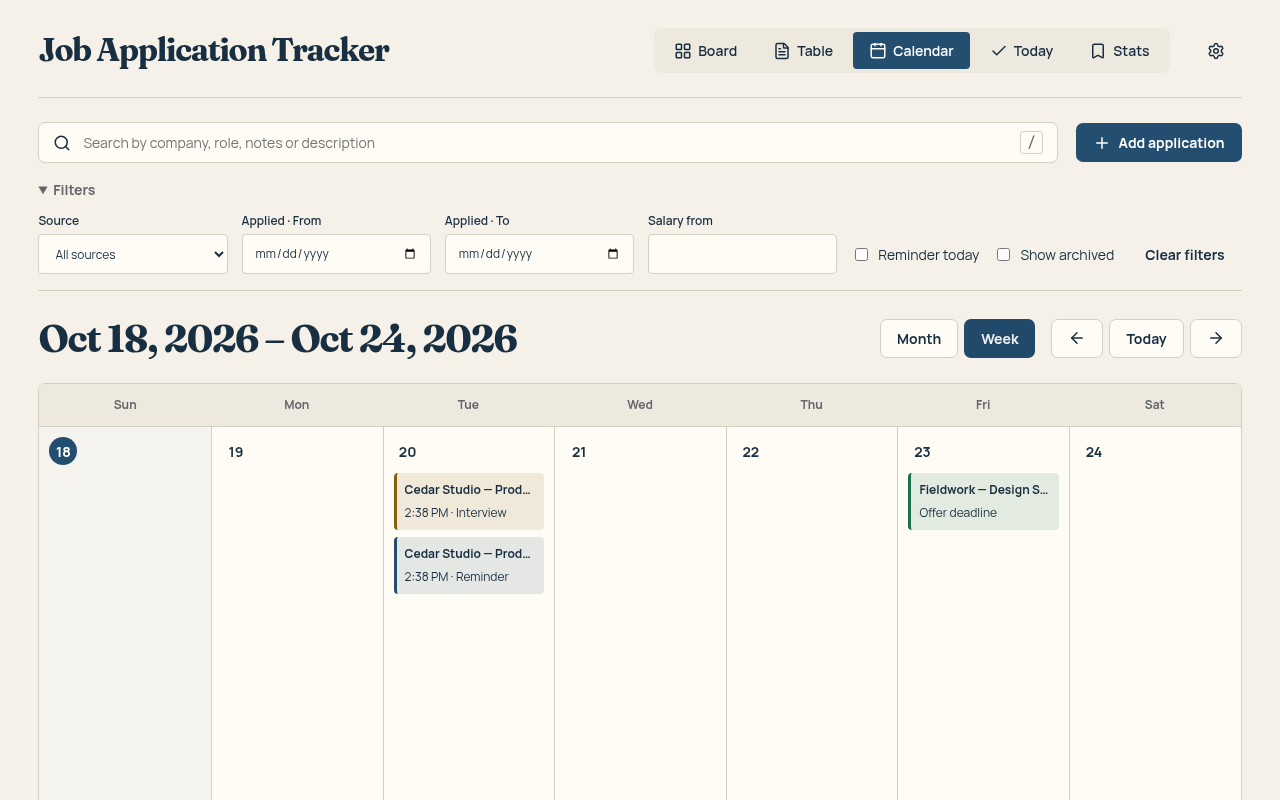
Keep interviews and reminders on your calendar. Today brings the next actions together, so a good opportunity does not get lost in a busy week.
AI rewrites your summary and bullets in the job's language and asks about missing skills instead of making them up. Companies, past job titles and dates stay locked; any new number is marked for you to check.
Example
Led a redesign of onboarding.
Led the onboarding redesign that lifted activation by 18%.
New number — check it's true before you send.
Match 62% 81%
One click per job: reordered skills, rephrased bullets, a summary for the role.
A letter from your real experience, or an answer to “Why us?” in your words.
A short, specific note when a reminder says it's time to write.
Greenhouse, Lever, Workday and more: fields from your resume and saved answers, marked for review. You always press Submit yourself.
5 free AI actions to try. The 3-Month Pass includes 100 AI actions.
Your board, notes and saved job details live in your browser. Local tracking works without an account. Export your data to CSV whenever you need it.
Optional online features have their own data flows. Read about storage, permissions and analytics.
Pay once when you need more room, sync or AI. Popular trackers charge $29–40 a month.
$0
Stored in your browser.
$9.99 for 3 months
One-time payment, no auto-renewal. Full refund within 14 days.
Buy it inside the extension (Settings → Plan & billing): the pass turns on by itself. The license key also comes by email for your other devices.
Get the passNeed more AI? AI action pack — $4.99, one-time: 50 more AI actions (not credits or stored value, no cash value, non-transferable). Full pricing details. Checkout is handled by Creem. Full refund within 14 days of purchase — see the Refund Policy.
No account is needed to track applications locally. Your saved jobs live in this browser. Online sync is optional.
You can still view and edit everything you saved. Archive a card to make room, or get the pass for more active cards. Rejected and archived jobs do not count toward the 25 active limit.
Yes. Export your applications to CSV from Settings. You can import them again, including your notes.
Save details from supported job sites automatically. If a page cannot be read, enter the details yourself in the save form.
It's built not to. Companies, past job titles, dates and education are locked: a change to them is thrown away. A number that wasn't in your resume is marked “check it's true”, and you accept or reject every suggestion. Your text goes through our server to OpenAI only when you press an AI button; we don't store it.
No. The 3-Month Pass is a one-time payment. Everything you saved stays with you when it ends.